Marketing Budget Planner
Plan your marketing budget with ease! Allocate funds across channels like digital ads and social media with our free, simple tool.
8 January 2026
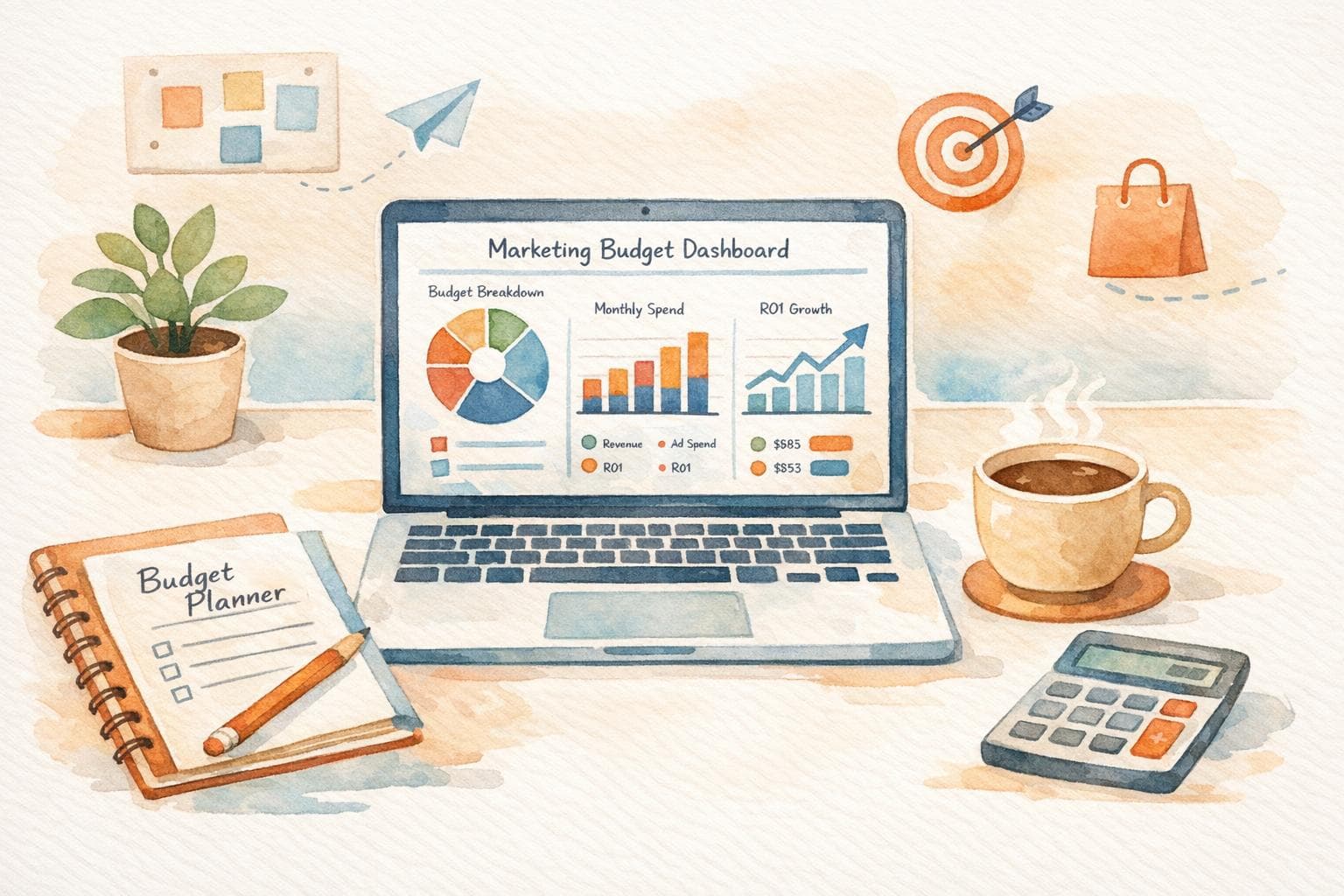
Plan Your Marketing Spend with Ease
Managing a marketing budget can feel like juggling too many balls at once. Between digital campaigns, social media outreach, content production, and live events, it’s tricky to know where your dollars should go. That’s where a smart allocation tool comes in handy, helping you divvy up funds with confidence and clarity.
Why Budget Planning Matters
Every business, big or small, needs a clear financial roadmap for marketing. Without one, you might overspend on one channel while neglecting another that could drive better results. Using a tool to split your funds across key areas ensures you’re covering all bases—whether it’s boosting your online ads or crafting engaging posts. It’s about making every cent count toward your goals.
Start Smart Today
If you’ve been winging it with your marketing expenses, now’s the time to get strategic. A well-thought-out plan can save you from wasted spend and missed opportunities. Pop your total budget into our free planner, adjust the percentages for each category, and watch the numbers fall into place. You’ll have a clear picture of your allocations in seconds, leaving you free to focus on executing killer campaigns.
FAQs
What if my percentages don’t add up to 100%?
No worries! If the total isn’t 100%, the tool will show an error message saying 'Percentages must add up to 100%.' Just tweak the numbers until they balance out, and you’ll be good to go. It’s a simple way to ensure your budget is fully allocated.
Can I use this tool for a small marketing budget?
Absolutely, this tool works for any budget size, whether you’ve got $500 or $50,000 to spend. Just pop in your total amount, decide how you want to split it across categories like digital ads or events, and see the breakdown. It’s perfect for small businesses or startups looking to stretch every dollar.
Does the tool save my budget data for later?
Not at the moment, mate. This is a one-session tool, so your data won’t be stored after you close the page. I’d suggest jotting down your final allocations or taking a screenshot if you want to refer back to them later. We’re working on adding save features down the track!
Newsletter
The Uncommon Insights Letter
Practical FMCG & eCommerce growth playbooks — margins, retention and scaling tactics, straight to your inbox.
Turn these ideas into profit you can see
Get a hands-on operator to turn the frameworks above into results — book a free audit call.